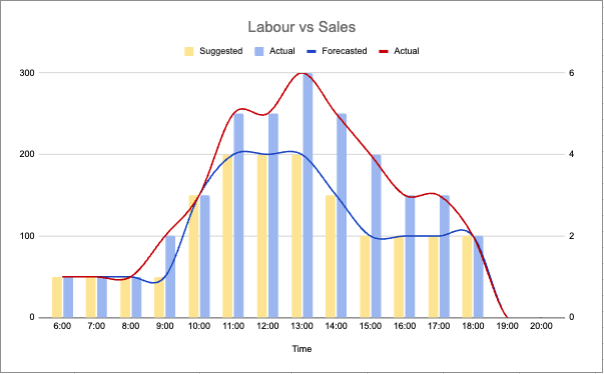
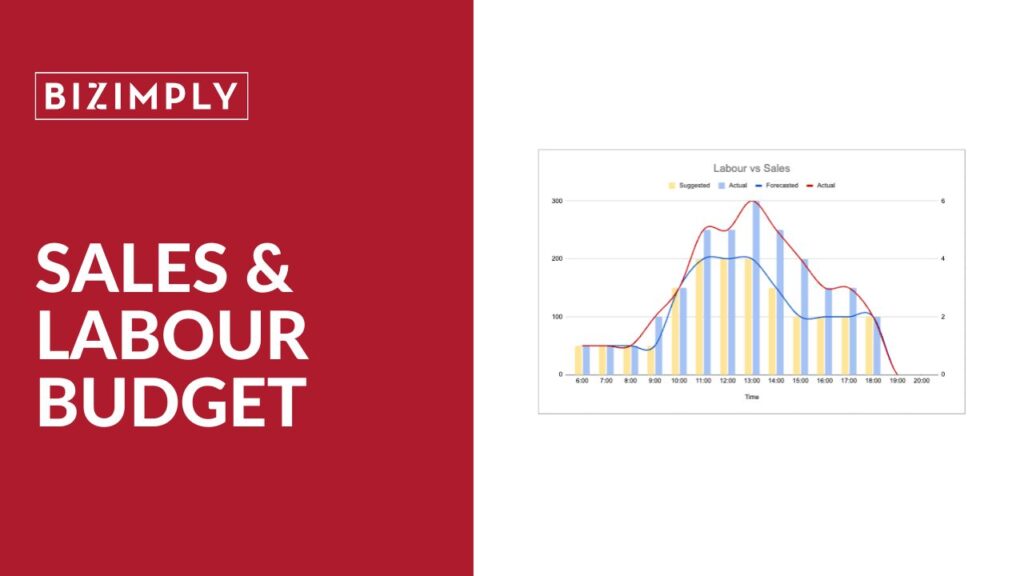
Sales & Labour Budget unites sales and labour data, giving managers real-time insight to drive better results.
OVERTIME (PHASE 1)
NOVEMBER
Businesses have greater control over labour costs and compliance with flexible overtime management.
Recently Released
DAILY TIMECARDS
OCTOBER
Daily Timecards allow managers to review, edit, and approve time daily, giving real-time insights and resolving issues fast.
BLACKOUT DATES
NOVEMBER
Businesses protect staffing levels during peak periods by preventing time off requests on critical dates.
ATTENDANCE DASHBOARD
NOVEMBER
All your attendance data is now in one place for a real-time view of workforce reliability and attendance trends.
OPEN SHIFTS
AUGUST
Open Shifts lets managers post unassigned shifts that eligible employees can claim directly from the app or web.
SHIFT OFFERS
AUGUST
Shift Offers lets staff give up a shift they can’t work, so it becomes open for other team members to pick up.
FACIAL DETECTION
JULY
Facial Detectionadds a face-present check for clock-ins, boosting accuracy and adding an extra verification layer.
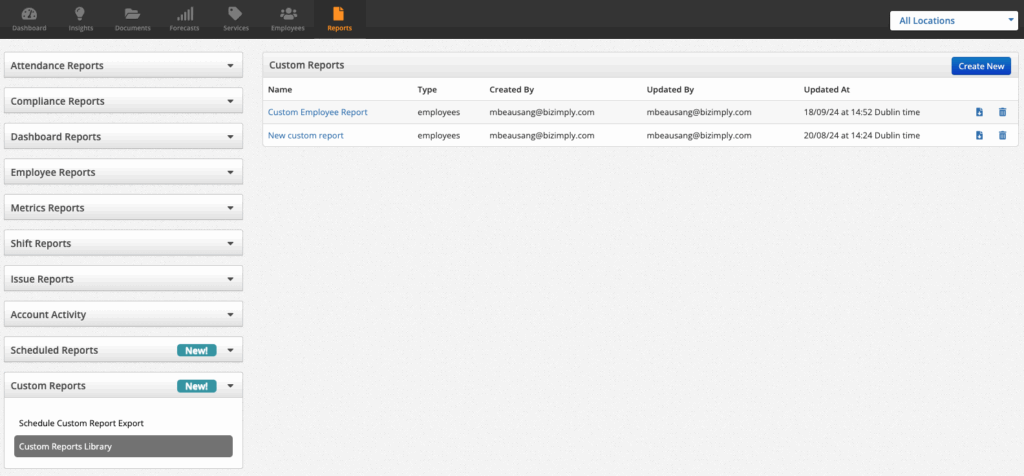
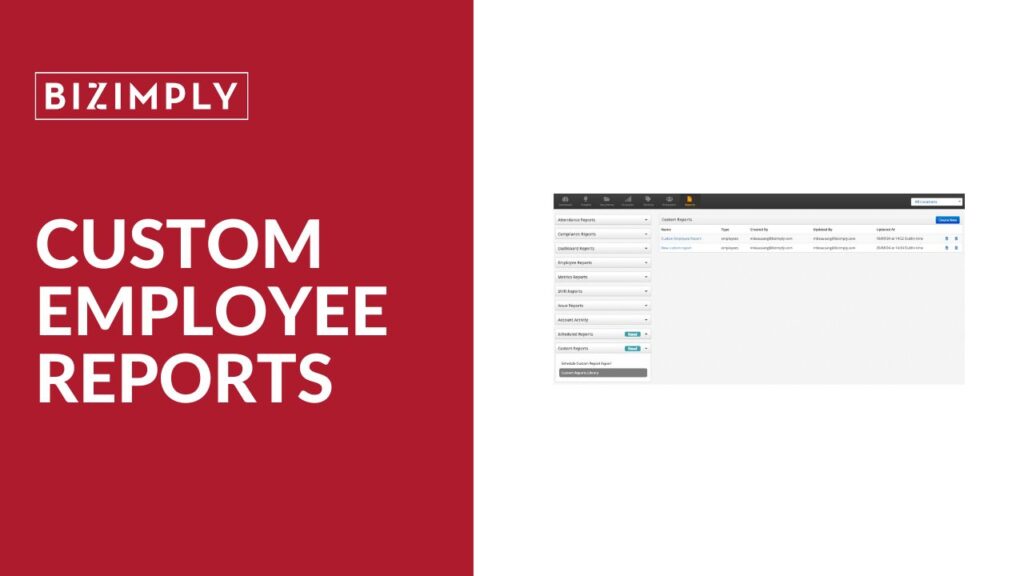
CUSTOM EMPLOYEE REPORTS
JULY
This feature offers flexible, scalable employee reports that deliver key insights faster, saving time and reducing cleanup.
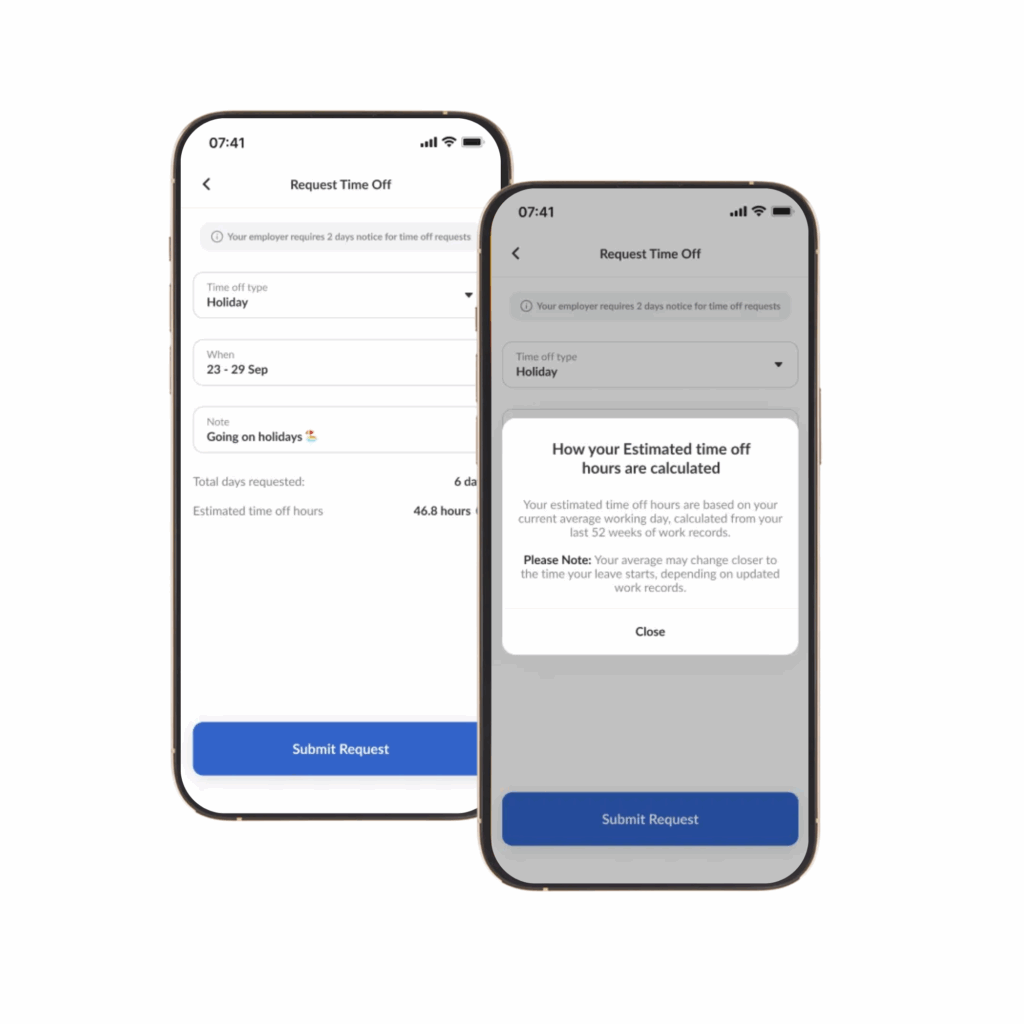
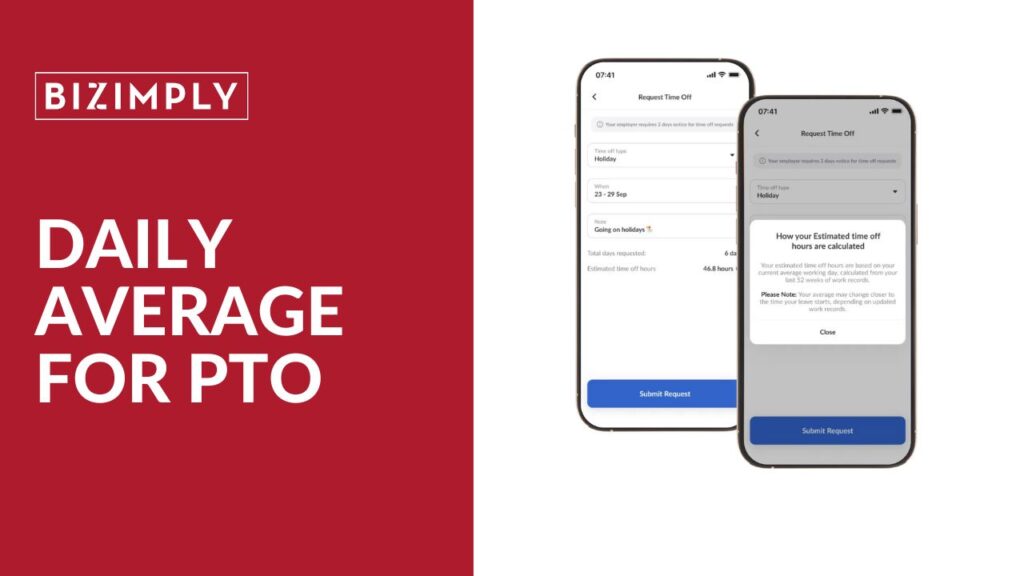
DAILY AVERAGE FOR PTO
JULY
Time Off Tracking now lets you set flexible average workday hours for any schedule, full-time or part-time.
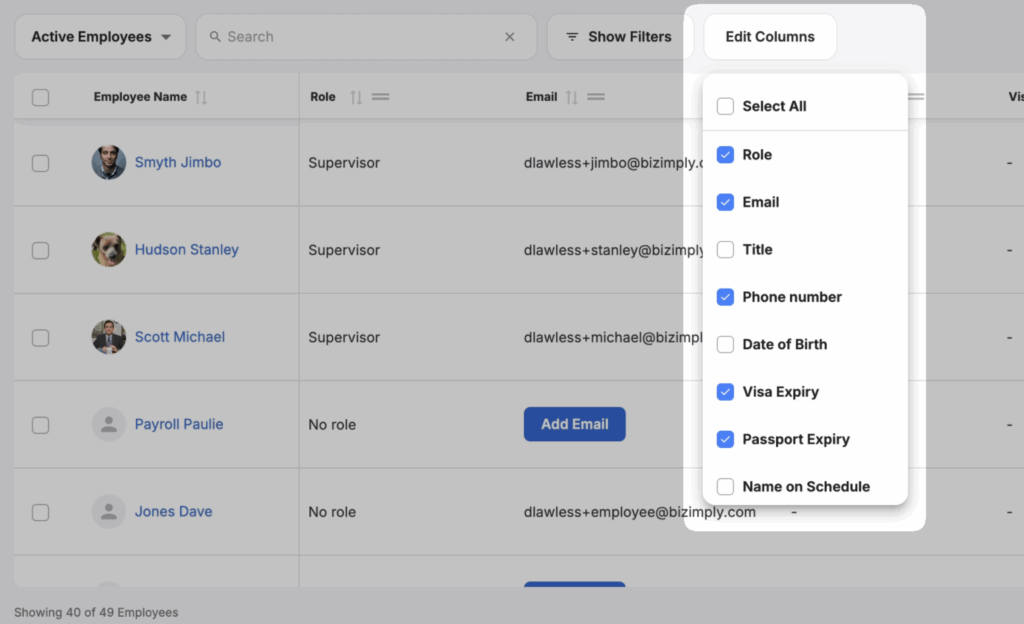
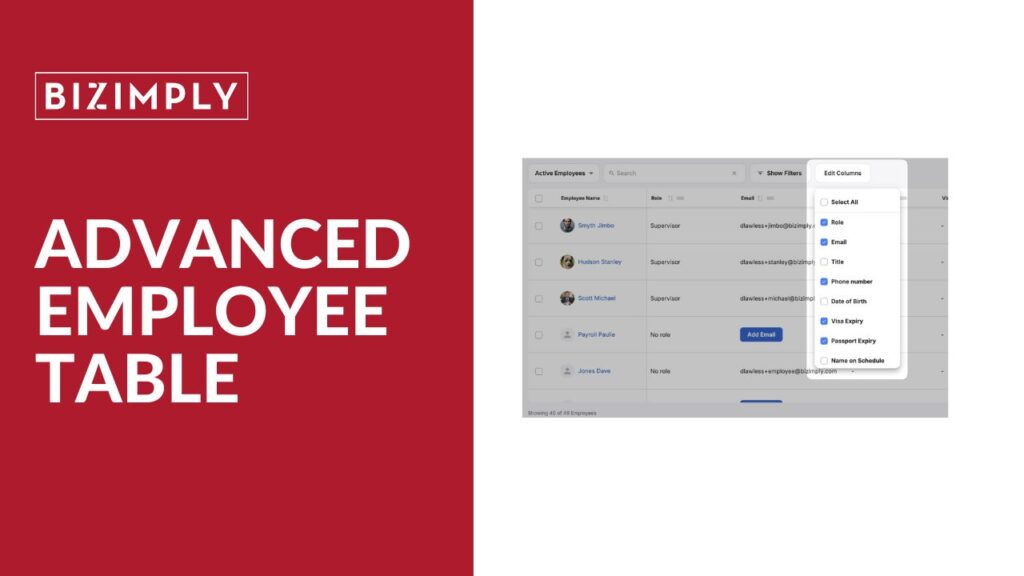
ADVANCED EMPLOYEE TABLE
JUNE
Instant, configurable workforce insights with fast filtering, exports, compliance checks, and permission-aware reports.
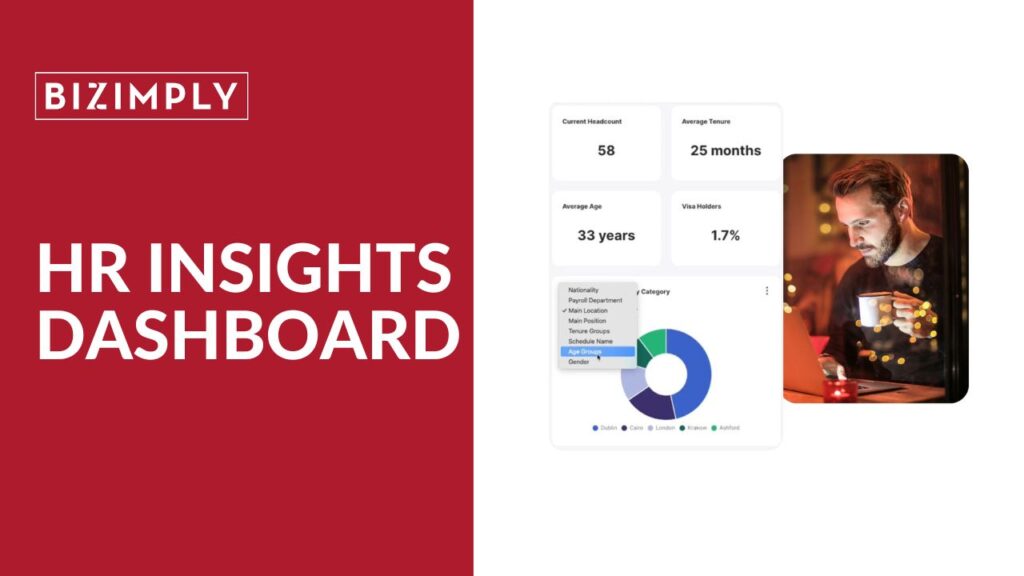
HR INSIGHTS DASHBOARD
JUNE
Refreshed dashboard with custom views, smart filters, expanded metrics, and clearer, faster workforce analytics.
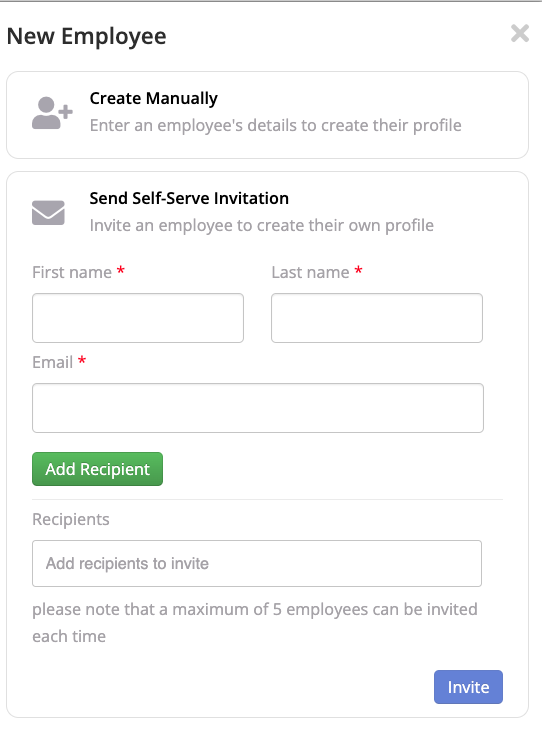
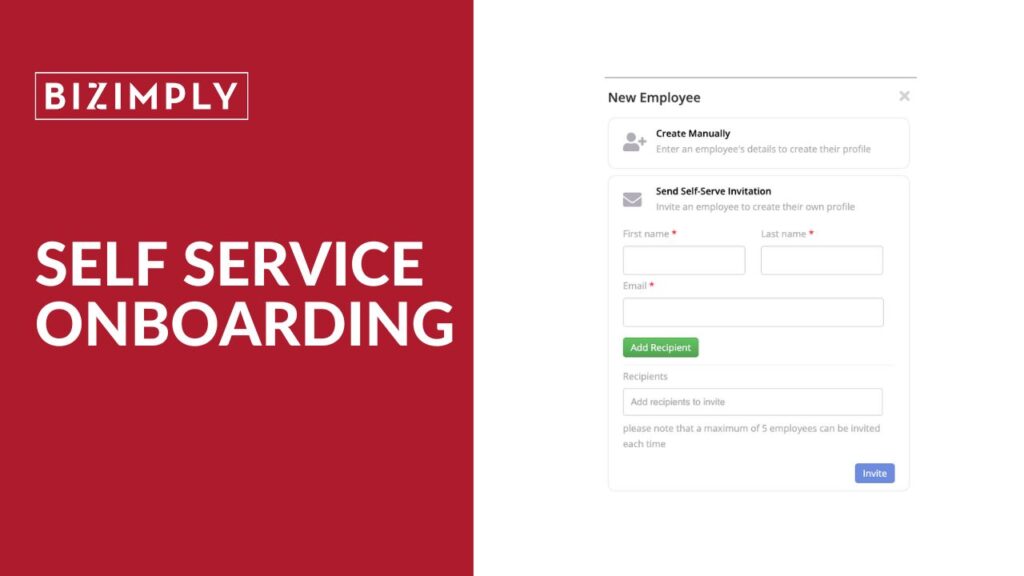
SELF SERVICE ONBOARDING
MAY
Self-serve onboarding helps customers add new employees accurately, avoiding payroll delays and compliance issues.
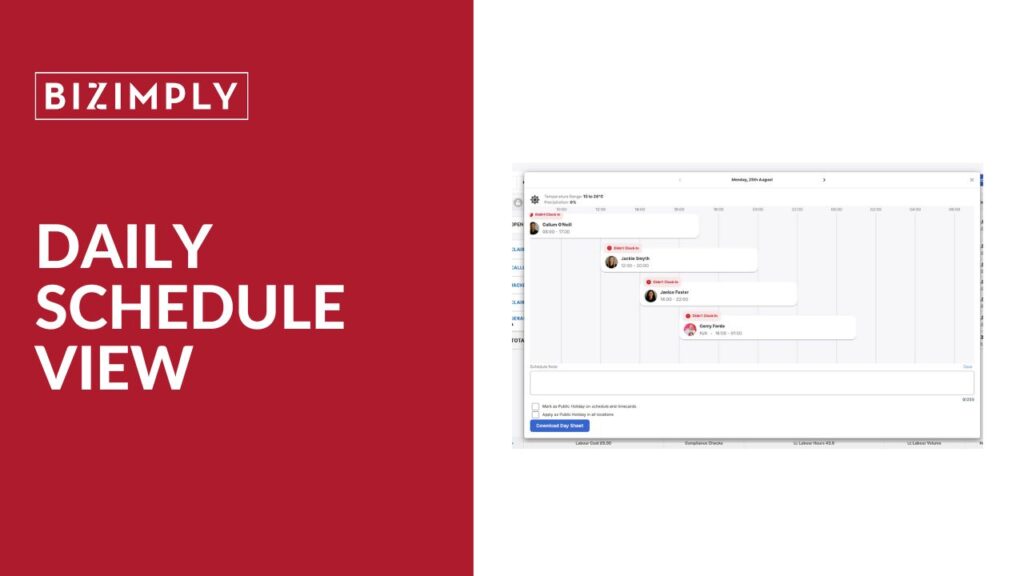
DAILY SCHEDULE VIEW
APRIL
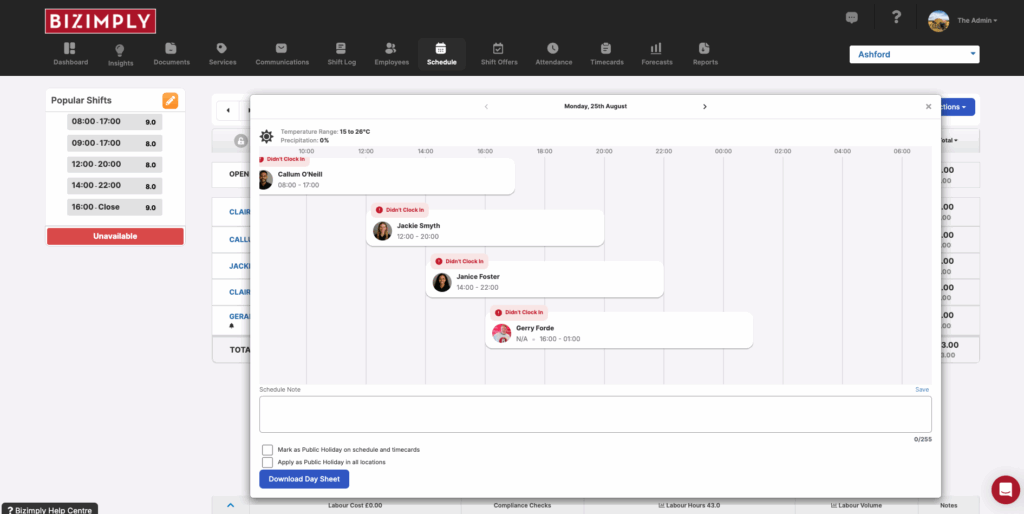
With this update, it’s now possible to view the schedule across the day in the web app!
Scroll to Top
SALES & LABOUR BUDGET
NOVEMBER 2025
Sales & Labour Budget
This release empowers managers to take greater ownership of their financial performance. By giving clear visibility of sales and labour targets, it helps teams plan ahead, stay within budget, and make informed decisions that protect profitability. With stronger financial control at the location level, head office can drive consistency while allowing managers the flexibility to manage their own results.
What’s new? You can now set sales and labour budgets for each location, creating a clear framework for managers to forecast against business goals that take into local circumstances. Real-time comparisons of actuals versus budgets make it easy to spot variances early, understand performance drivers, and take corrective action before small issues impact results.
OVERTIME (PHASE 1)
NOVEMBER 2025
Overtime (Phase 1)
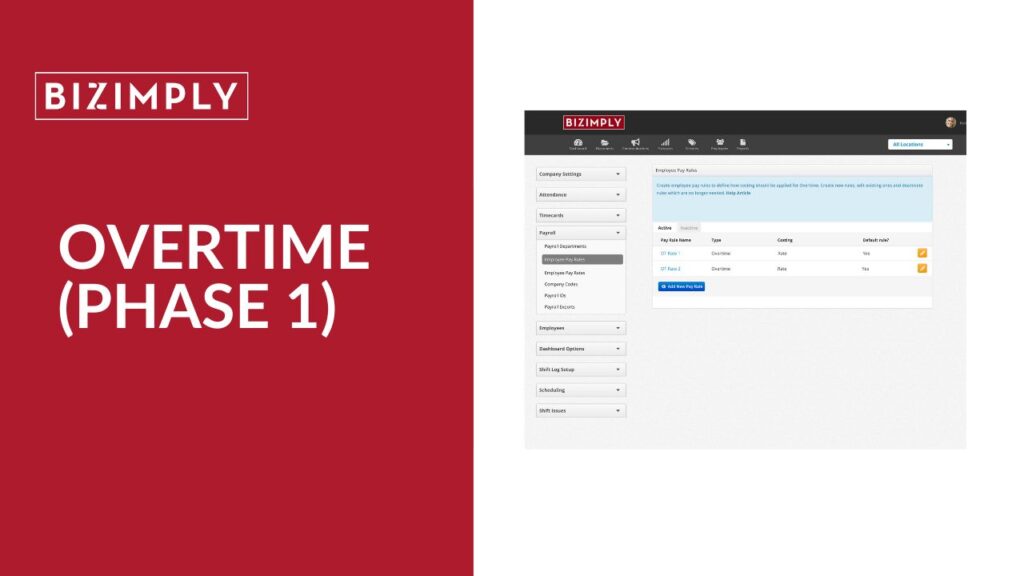
This release gives businesses greater control over labour costs and compliance by introducing flexible overtime management. With clearer visibility into when and where overtime is triggered, managers can plan schedules more efficiently, prevent unnecessary overspend, and ensure staff are paid accurately and fairly.
What’s new? You can now create overtime rules that reflect your unique pay structures and apply them only to the relevant employees. Overtime can be calculated daily or weekly (based on contracted, daily, or total hours worked), allowing you to tailor calculations to your business needs. Overtime costs are now displayed directly in schedules and dashboards, providing real-time insights that support smarter staffing and budgeting decisions.
ATTENDANCE DASHBOARD
NOVEMBER 2025
Attendance Dashboard
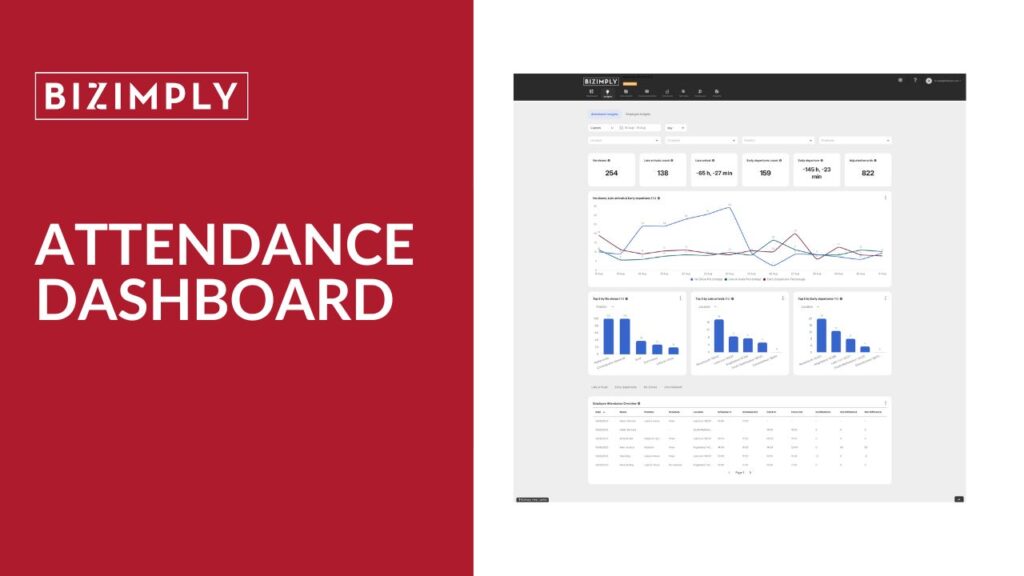
All your attendance data is now in one place, giving managers a clear, real-time view of workforce reliability and attendance trends. The new Attendance Dashboard helps identify issues like no-shows, lateness, and unscheduled clock-ins early, so teams can take action before they impact operations or service levels. By turning raw clock data into actionable insights, it supports smarter scheduling decisions and improved workforce accountability.
What’s new? The dashboard is divided into three key sections for easier analysis. Interactive KPIs provide a snapshot of attendance health and allow you to drill down for deeper insight. The trend and “Top 10” charts highlight where attendance issues are most frequent and whether they’re improving over time. The overview table gives detailed exception reporting, helping managers review and resolve underlying causes quickly and confidently.
Daily Timecards
OCTOBER 2025
DAILY TIMECARDS
Daily Timecards lets managers review, edit, and approve employee timecards daily, providing real-time visibility and faster issue resolution across web and mobile.
What’s new? Managers can adjust hours, positions, and extras day by day, approve shifts individually or in bulk, and use mobile swipe-to-approve. All changes sync instantly across devices, improving payroll accuracy, compliance, and operational efficiency.
Where to learn more Check out this help article to learn more.
BLACKOUT DATES
NOVEMBER 2025
Blackout Dates
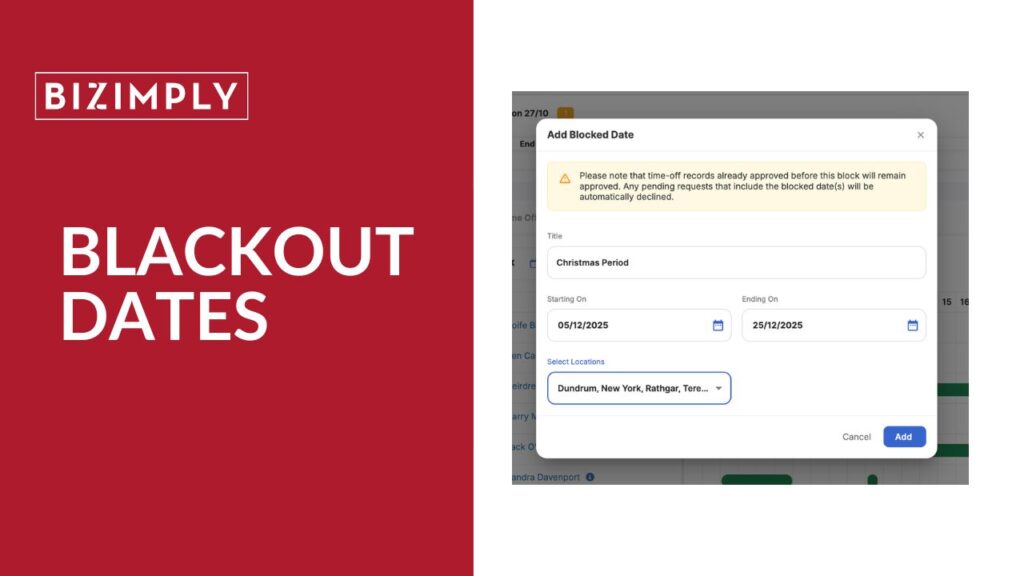
This release helps businesses protect staffing levels during peak periods by preventing time off requests on critical dates. By proactively managing availability around busy seasons, like Christmas, Black Friday, or major events, managers can maintain coverage, reduce scheduling conflicts, and minimise the need for leave rejections.
What’s new? Admins can now set blocked dates that automatically prevent employees from submitting time off requests during essential operational periods. This gives stronger control over workforce availability, reduces manual admin, and ensures teams are fully staffed when demand is highest.
FACIAL DETECTION
August 3rd
Timestation Facial Detection
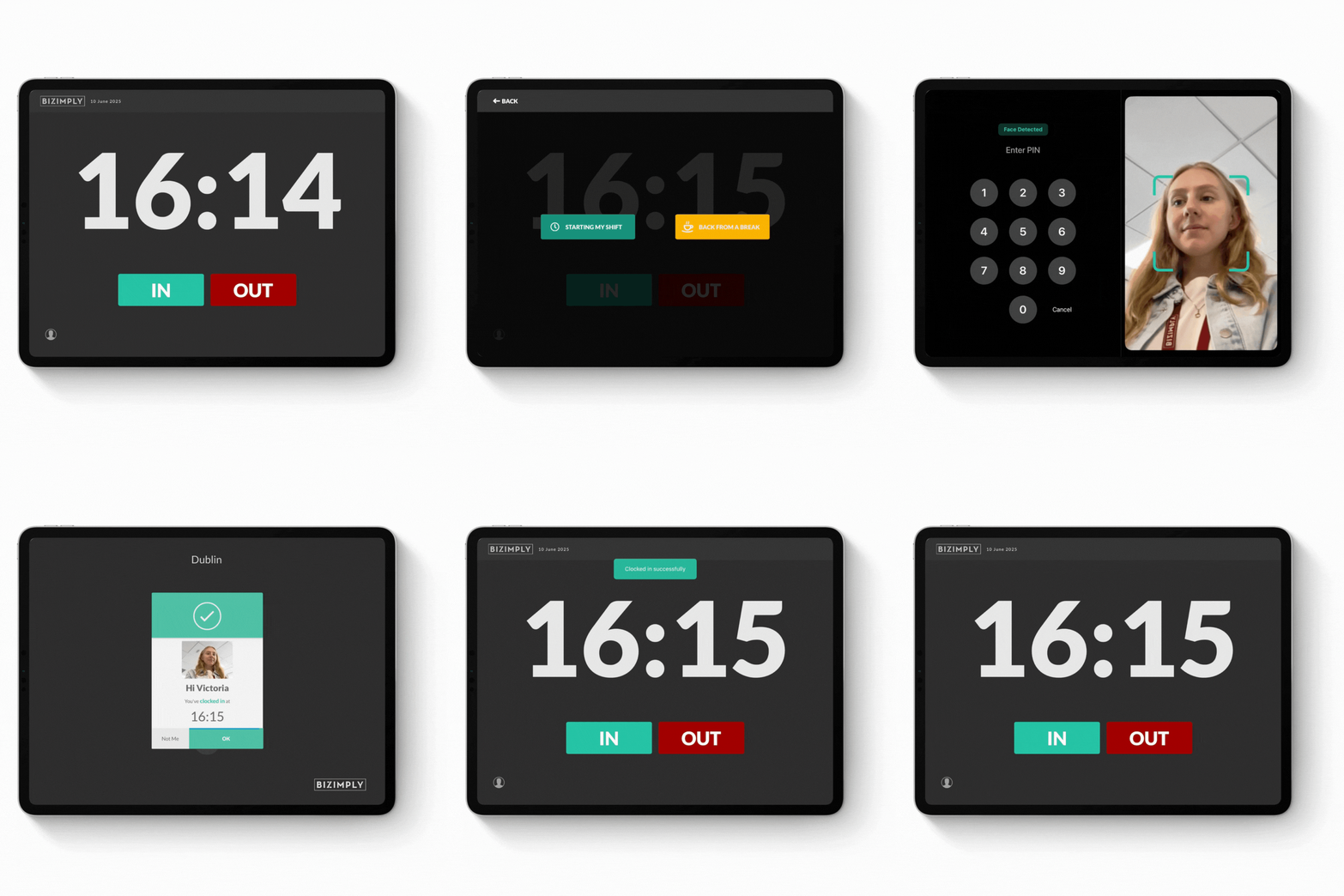
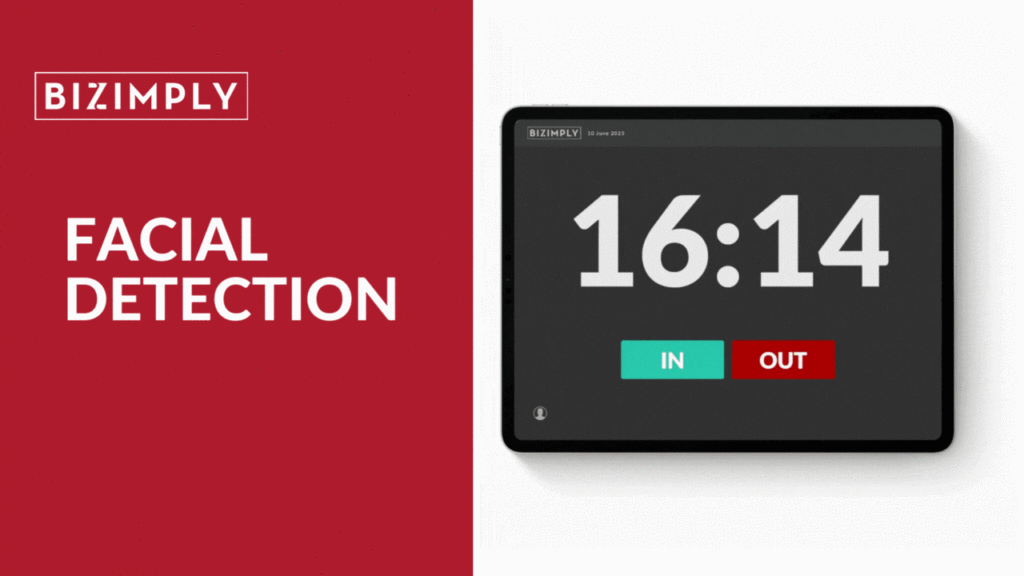
This feature adds facial detection to the time-station clock-in/out system, enhancing attendance accuracy without affecting ease of use. Please note, it only checks for the presence of a face – not recognising or identifying individuals – and stores no biometric data.
What’s new? The facial detection feature ensures employees are “in frame” when clocking in or out, preventing intentional or accidental camera blocking and reducing the risk of “buddy punching”, thereby strengthening attendance data integrity and making it easier for managers to verify employee presence.
Where to learn more Check out this help article to learn more
OPEN SHIFTS
August 3rd
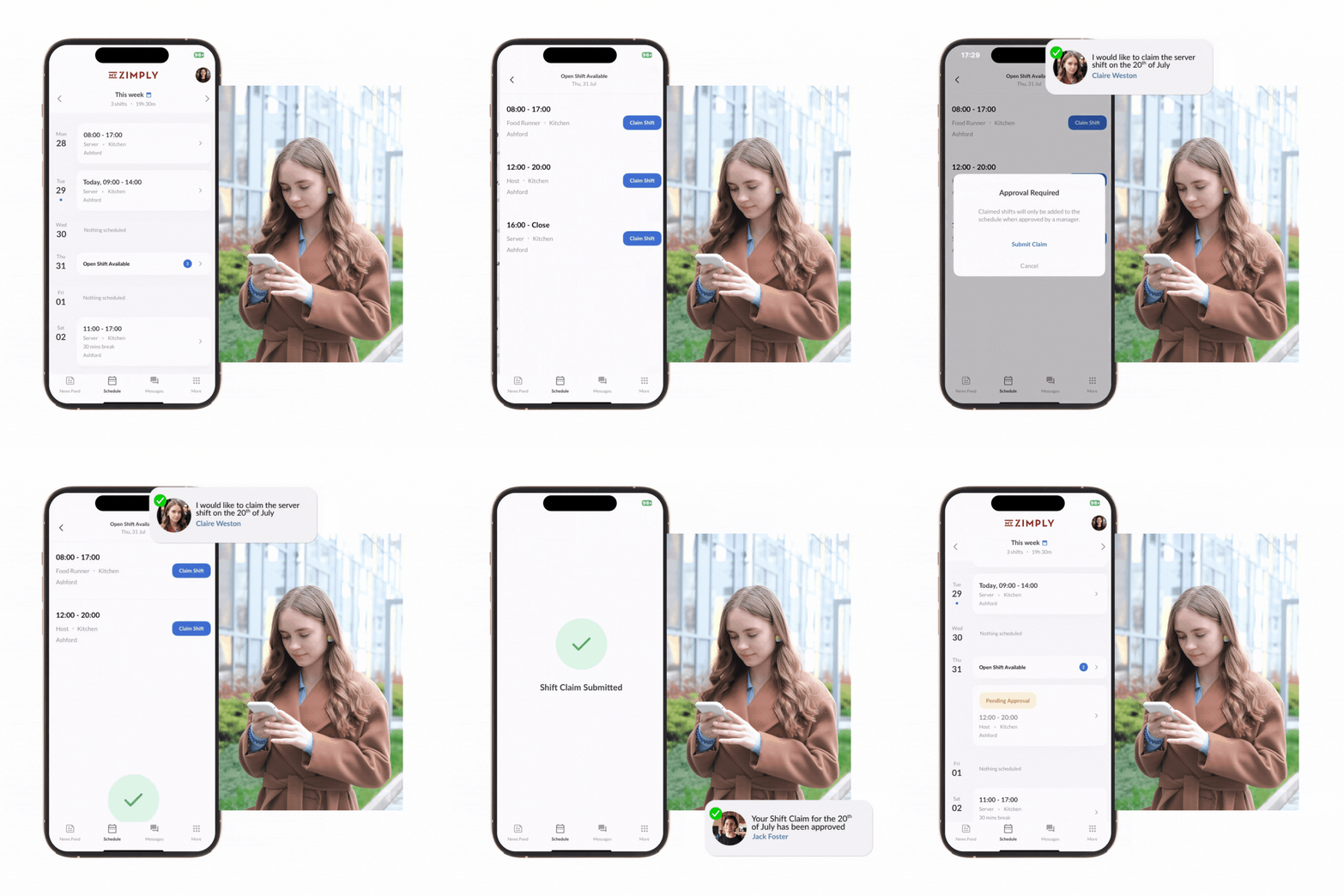
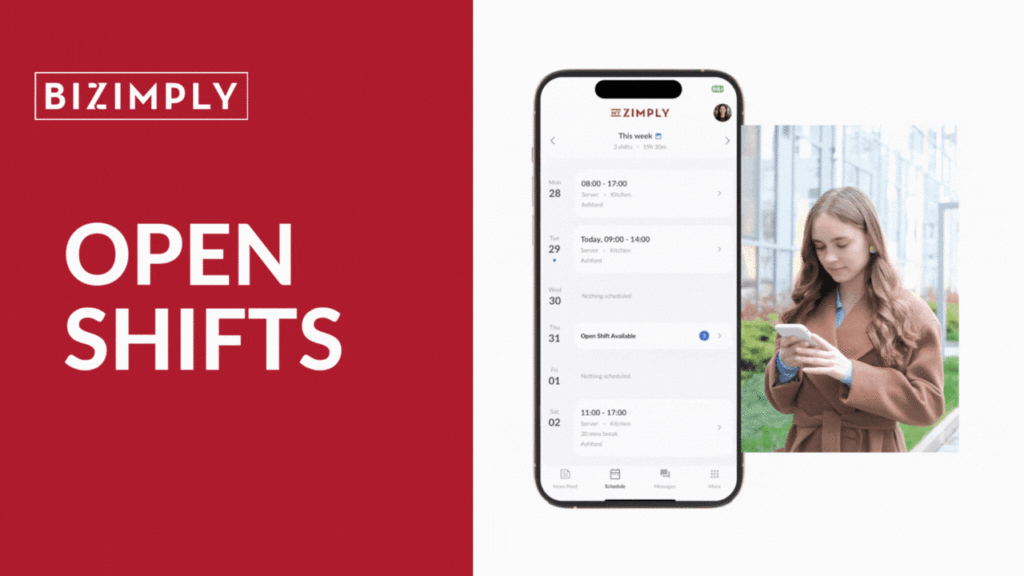
Open Shifts Filling last-minute shifts just got a whole lot easier with Open Shifts, a smarter way to keep your schedule full without the chaos.
What’s new? Managers can now create unassigned shifts in the schedule that employees can claim directly from their app or the web. You still approve who gets the shift – but there’s no need to chase people via WhatsApp or track spreadsheets.
Where to learn more Check out this help article to learn more.
SHIFT OFFER
August 3rd
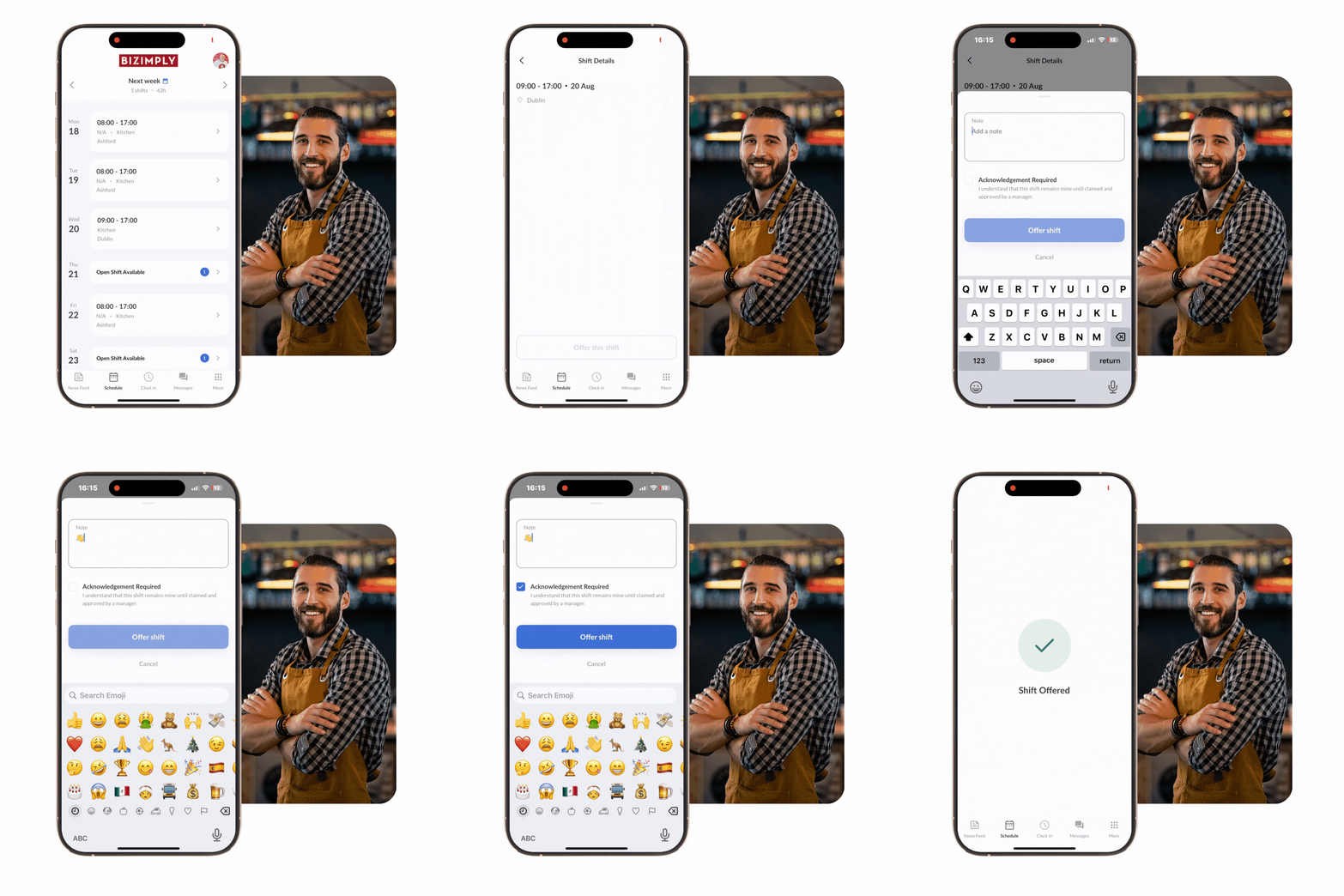
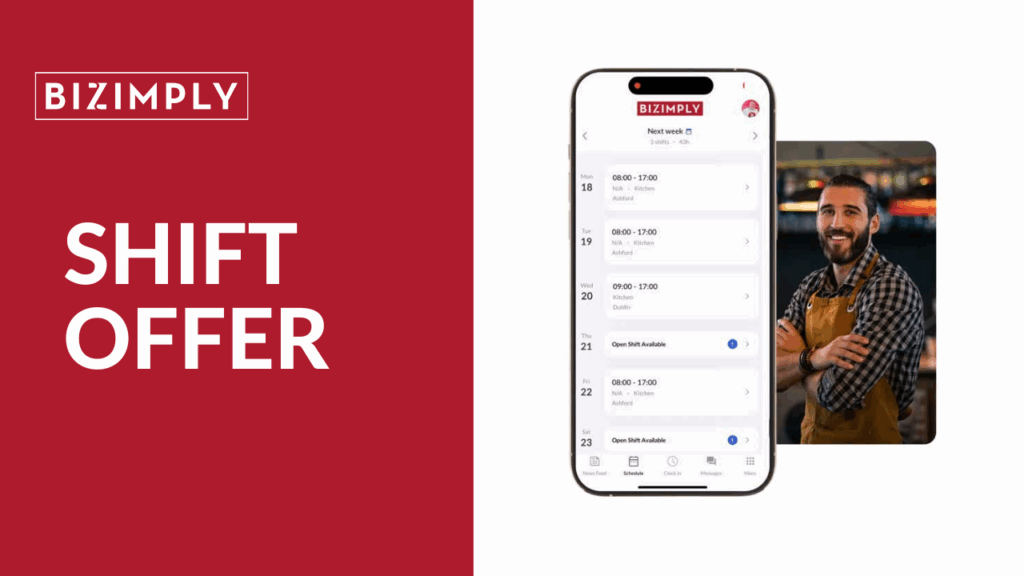
Shift Offers Shift Offers empowers flexibility, boosts shift coverage, and reduces rota stress – while still giving managers full control over staffing decisions.
What’s new? Shift Offers allows employees to offer their scheduled shifts when they can no longer work. Once offered, the shift becomes available as an Open Shift that eligible teammates can claim – with manager approval required before any handover.
Where to learn more Check out this help article to learn more
Custom Employee Reports
JULY 2025
Custom Employee Reports
This feature offers flexible, scalable reporting that delivers only the most relevant insights, saving time, reducing manual cleanup, and enabling faster data-driven decisions.
What’s new? Custom Employee Reports lets users build tailored reports by selecting and ordering employee data fields, expanding Bizimply’s reporting functionality beyond fixed templates.
Where to learn more Check out this help article to learn more
Daily Average for PTO
JULY 2025
Daily Average for PTO
We’ve enhanced Time Off Tracking with a fully flexible Average “Hours in a Working Day” configuration that adapts to any workforce pattern – from fixed schedules to variable‑hour, part‑time, and seasonal staff.
What’s new? This new feature provides three selectable calculation methods with automatic weekly refresh, transparent reference period details, auto-populated read-only fields, clear guidance on hour adjustments, and consistent behavior across all request statuses.
Where to learn more Check out this help article to learn more
Advance Employee table
JUNE 2025
Advanced Employee Table
The new capabilities give customers instant, configurable workforce visibility, enable fast in-product filtering and exports without manual spreadsheets, support proactive compliance monitoring, and deliver precise, permission-aware reporting – all without extra tools
What’s new? We’ve overhauled the Employee Table into a powerful, customisable tool with 40+ configurable fields, advanced filtering/search, precise export control, role-based visibility for sensitive data, and all the capabilities of the original version – designed to help HR, Payroll, and Operations manage employee data at scale.
Where to learn more Check out this help article to learn more
HR Insights Dashboard Updates
JUNE 2025
HR Insights Dashboard Updates
These updates are designed to improve usability and give you more flexibility and control over your data.
What’s new?
The refreshed dashboard offers improved navigation, compact multi-metric charts, customisable views, schedule-based filtering, expanded age groups, flexible turnover tracking (including by payroll department), easier table sorting, enhanced visa/passport expiry tracking, and detailed employee tenure insights—giving you faster, clearer, and more tailored workforce analytics.
Where to learn more
Check out this help article to learn more
Self Service Onboarding
MAY 2025
Self-Serve Onboarding
Self-serve onboarding is designed to help customers onboard new employees without the errors and inefficiencies that lead to incomplete or inaccurate profiles, delays in processing payroll and compliance issues with new starters.
What’s new? Self-serve onboarding saves managers time, speeds up employee first-day readiness, encourages MyZimply app use, ensures accurate data through mandatory fields, and allows you to add a branded welcome message.
With this update, it’s now possible to view the schedule across the day in the web app!
What’s new? The new day view lets you see all scheduled shifts at a glance, helping you ensure coverage, balance labour costs, match skills across overlapping shifts, and use past lateness or overtime data to make smarter scheduling decisions.
Where to learn more Check out this help article to learn more