

1. Scan the QR Code or search for “MyZimply” on your phone’s Apple or Google App Store.
2. Log in with your username and password, and use the forgot password option if you can’t remember yours.
3.Don’t forget to enable notifications.
4. And remember to upload your photo.
SCAN ME
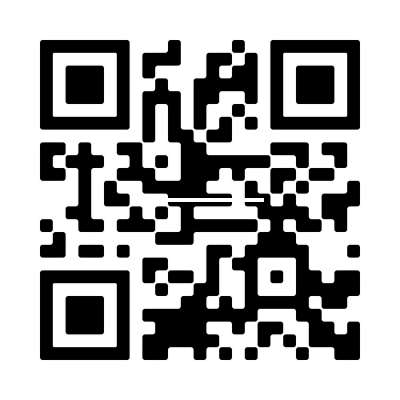
Scan here to download your iPhone or Android app
What can I do with MyZimply?
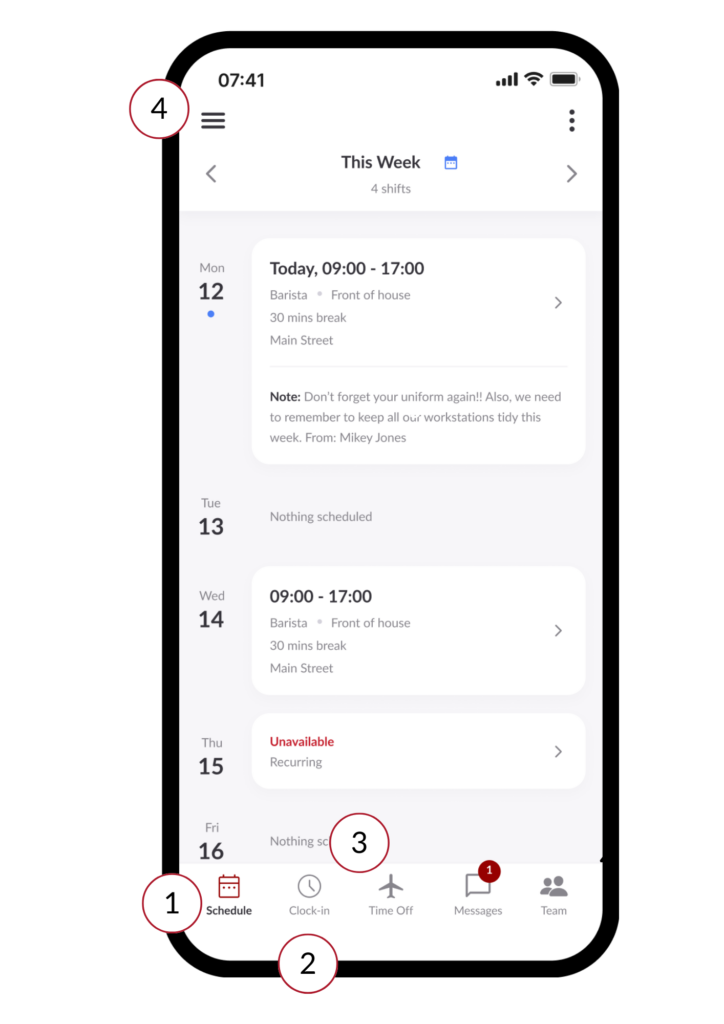
- Upon logging into MyZimply you will first see your schedule, here you can check your start and end time, as well as the location, rota and position you are working in.
- Clock in via the app, if you are permitted to, remember to enable your GPS.
- Request time off, review your pending and approved time off, and check the days or hours available and booked.
- You can open up the side menu to access additional features, here you can:
- Edit your profile.
- Check your login pin.
- Choose a date range for any time you are unavailable to work and whether the unavailability is a once-off or recurring.
- Turn on push notifications.
- Manage your login security.
- Switch on dark mode.

Get to know Bizimply. Our product experts will guide you through our solution with a 15-minute Zoom demo.